


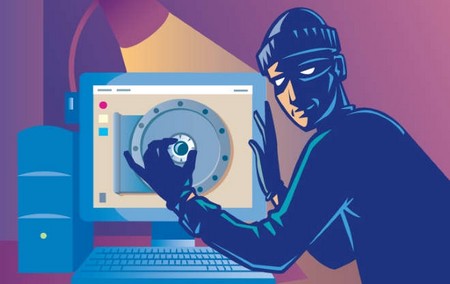
In today’s digital age, our living spaces are becoming more modern with the arrival of internet-connected devices. While they bring many conveniences, they also carry hidden security risks. Do you know how to protect your family from these risks?
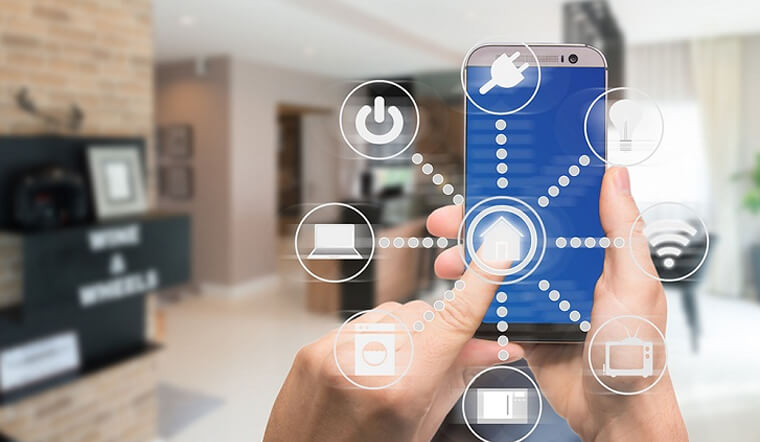
What is a smart device?
Smart devices are electronic items that can connect to the internet, usually over WiFi. They include high-tech devices such as smart speakers, fitness bands and security cameras, as well as home appliances such as fridges, washing machines and kettles.
Unlike ordinary electronic devices, you cannot just switch a smart device on and forget it; you need to check and configure some settings before use.
This article shows you how to manage smart devices to keep your home and personal information safe.
Note: for the specific setup of each device, refer to the manufacturer’s instructions.
Risks of using smart devices
We are used to keeping our phones, laptops and PCs updated for security. Similarly, smart device manufacturers need to release updates to fix bugs or security issues. If not updated, your device may be at higher security risk.
If an attacker guesses your device’s password, they can access the device, use it to break into your network or carry out cyber attacks. A typical example is the leaking of sensitive footage from security cameras, making homeowners unwilling victims.
Choose the right device
Before buying a smart device, check reviews of the product and the manufacturer. Also check the minimum requirements needed to use and manage the device.
You don’t need to buy the newest or most expensive smart device to be safe, but if possible, avoid devices that are no longer supported by the manufacturer or whose support is about to end. Once support ends, a device is more vulnerable to attack. Think of the support period as the device’s “use-by date” – it tells you how long it stays safe.
You can check online for a device’s support period. Refer to the manufacturer’s website for details.
Check the default settings
Some devices may not be secure when first switched on, so you need to take a few steps to protect yourself.
If you install the device yourself, change the default password. If it was installed by a third party, ask them for the login details and change the password immediately. Also check whether there are any accounts other than the one handed over to you.
Easy-to-guess passwords can be discovered by cybercriminals, so create a secure password. If the device or app offers two-step verification (2FA), turn it on. 2FA provides an extra layer of security, helping stop criminals accessing your device even if they know the password.
If you don’t need to access a smart device when you’re away from home, turn off “remote access”.
Keep devices updated
Installing software updates promptly keeps your device safe, adds new features and helps it run more reliably. For each smart device you should:
- Turn on automatic updates (if available)
- Install updates manually when prompted
Troubleshooting
If you notice a device behaving abnormally or are worried it may have been hacked, go to the manufacturer’s website for specific instructions on the steps to take.
If you think your device has been taken over, restore it to factory settings and set it up again per the manufacturer’s instructions.
Disposing of a device
If you decide to sell or give a device to someone else, do a factory reset to erase all personal data. Refer to the manufacturer’s website for how to reset.
Choose a reputable supplier
Choosing a reputable device supplier is also important. With a reputable supplier, technicians do their job properly and show you how to check whether your device has been set up correctly.
At handover, the technical team will hand over the device and show you how to change the password so that only you can access the devices in your home.
Source: whitehat.vn