



Cloud vs on-premise should not be one decision for the whole company. Different types of data have different needs, so one business can keep email in the cloud, run its operational software on an in-house server, and push backups to a second location. The method is to split data into 5 groups and answer 8 questions for each group.

Which groups does company data fall into?
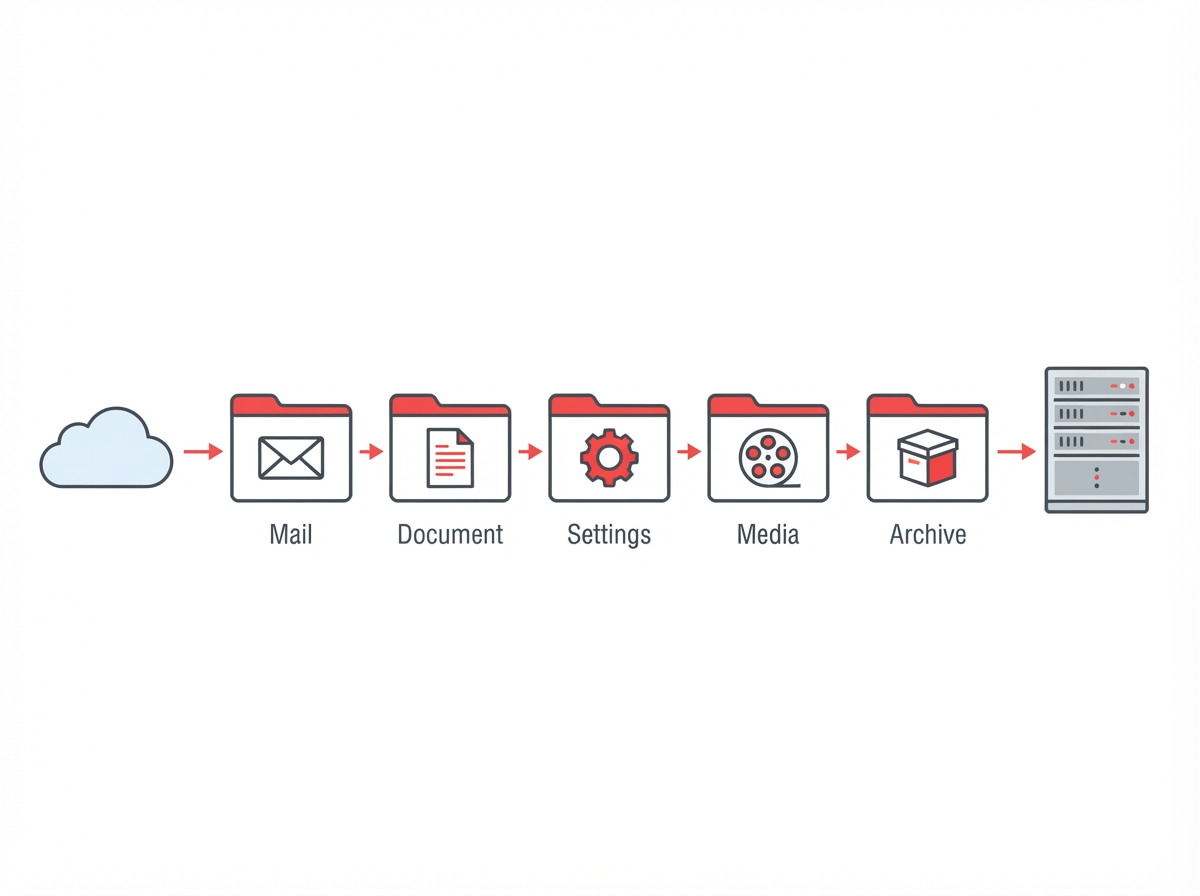
- Everyday office data: email, Word, Excel and PowerPoint files. This group is opened most often.
- Finance, accounting and client contracts: sensitive, needed by few people.
- Operational software such as CRM, ERP and in-house tools: many concurrent users, must run reliably.
- Media such as video, high-resolution images and design files: large, rarely changed after creation.
- Backups and long-term archives: rarely opened, kept for a long time, must be secure.
What are the 8 questions?
- Who needs access, and from where: only the office, or anywhere over the internet?
- How many concurrent users: under 20 or over 100?
- How much downtime is acceptable: an hour, or none at all?
- How much data: under 500 GB or over 10 TB?
- How often is it opened: daily, weekly or a few times a year?
- Are there legal rules about where it must be stored?
- Is there someone dedicated to running servers?
- What is the monthly infrastructure budget?
How do Vietnamese legal rules affect the choice?
Question 6 needs care. Decree 53/2022/ND-CP, which guides Vietnam’s Cybersecurity Law and took effect on 1 October 2022, requires certain businesses in sectors such as telecoms, e-commerce, online payments and social media to store specified user data in Vietnam, for at least 24 months from the date of a request (VnEconomy).
The Personal Data Protection Law No. 91/2025/QH15, in force since 1 January 2026, adds obligations for customer and staff personal data wherever it is stored. Companies in regulated sectors should check with legal counsel before deciding where group 2 data lives.
Where should each group go?
| Group | Common choice | When to choose differently |
|---|---|---|
| 1. Everyday office | Cloud: Google Workspace or Microsoft 365 | Rarely |
| 2. Finance, contracts | Cloud with encryption and tight permissions | Sectors with storage location rules |
| 3. CRM, ERP | Software as a service | Custom-built software with an in-house operator |
| 4. Media | Cloud storage if mostly archived | Daily 4K editing needs a fast local NAS |
| 5. Backup | Always one copy outside the office | A second data center instead of cloud |
For group 5, Backblaze B2 is a low-cost option for small companies at a list price of 6.95 USD per TB per month (Backblaze).
What does a mixed setup look like for a 40-person company?
A common pattern: Google Workspace for email and documents (group 1), an in-house server for a custom ERP (group 3), a NAS for design files and video (group 4), and Backblaze B2 holding backups of both the server and the NAS (group 5). Group 2 depends on the industry and on what the chief accountant requires.
If your in-house server sits in an office corner with no UPS or dedicated air conditioning, see our article on when colocation is cheaper than an in-house server room (Vietnamese).
How do you compare costs fairly?
Put both options on a three-year view. For cloud, add subscription fees, extra storage and data egress. For on-premise, add hardware, licences, power, cooling, a UPS, replacement drives and the hours someone spends on updates and monitoring. Many companies compare a cloud invoice against the price of a server alone and conclude the server is cheaper, then discover the hidden running costs later. Doing the full sum per data group usually makes the right answer obvious.
FAQ
Is cloud always cheaper than an in-house server?
No. With large data, constant access and an operator already on staff, an in-house server can be cheaper over several years. Compare the 3-year total cost of both options.
Do we still need backups once data is in the cloud?
Yes. The provider keeps the infrastructure running; accidental deletion or a compromised account is still the company’s responsibility.
How long does a move to the cloud take?
Email and documents usually take a few days to a few weeks. Operational software depends on whether a cloud version exists.
GPIT helps companies design the right mix of cloud and on-premise infrastructure. Learn more at gpit.vn.
GPIT, IT Solution Investment Company Limited, 32 Truong Phuoc Phan, Binh Tri Dong Ward, Ho Chi Minh City, Vietnam. Hotline +84 945 886 818. Email info@gpit.vn. Website https://gpit.vn.