



Zero trust for small business does not have to start with redesigning the whole network. The principle is simply to trust no user or device by default, even inside the company network, and to verify again every time someone reaches a resource. A 30 to 100 person company can apply it right away at the two points attackers hit most: email and VPN.

What is zero trust, really?
NIST Special Publication 800-207, published in August 2020, describes zero trust as moving defences from the network perimeter to individual users, devices and resources. An account is not trusted just because it sits on the office LAN or because the device belongs to the company (NIST SP 800-207).
For a small company the practical version is this: every time someone opens email, the accounting software or a shared folder, the system should know who it is, which device they are on, and whether they need that access.
Why start with email?
Attackers rarely break into servers. They trick people into giving up email passwords. Verizon’s 2025 Data Breach Investigations Report found stolen credentials used in nearly a third of breaches (Verizon DBIR 2025).
Google Workspace and Microsoft 365 already include the settings you need:
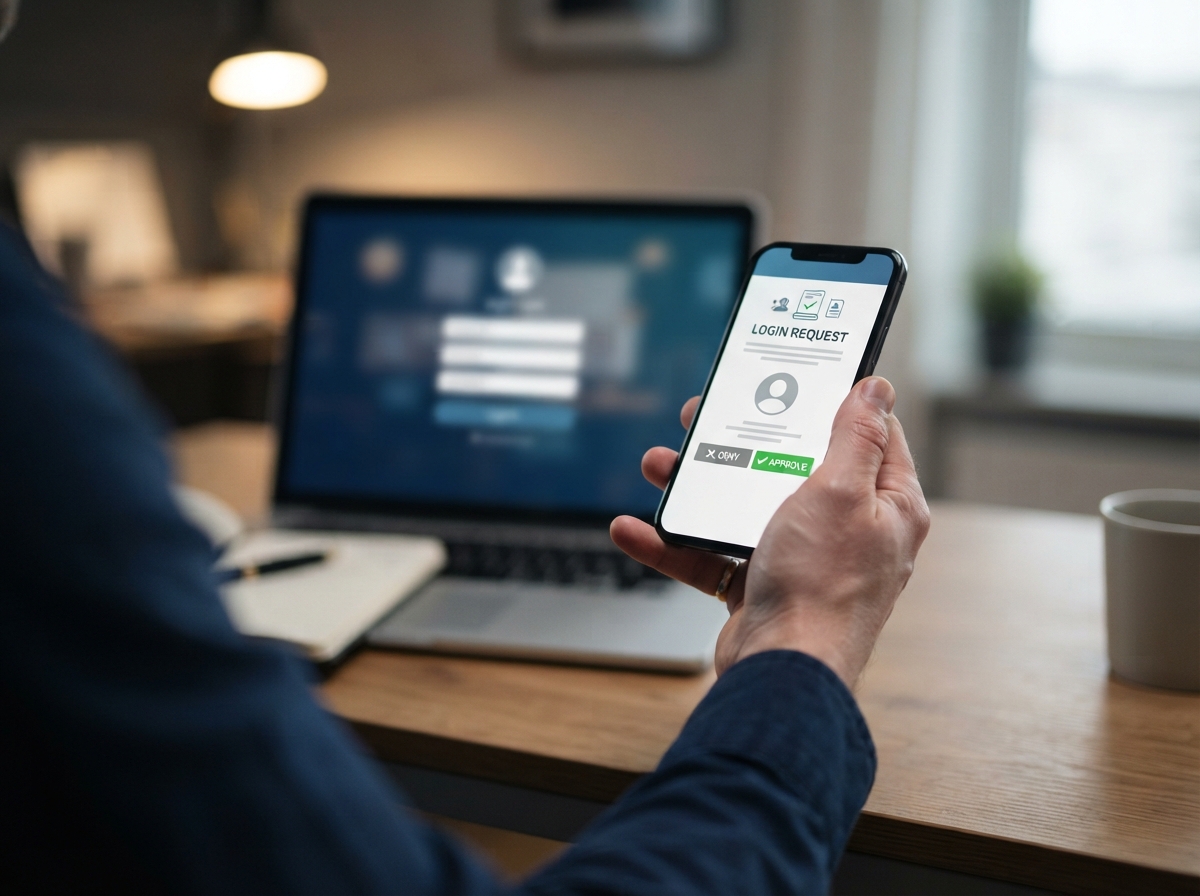
- Enforce multi-factor authentication for everyone, not as an option.
- Block IMAP and POP3, legacy protocols that skip the second factor.
- Restrict sign-ins from abroad, except for staff who travel.
- Require sign-in again after a period of inactivity.
Enforcing MFA and blocking legacy protocols are available on the common business plans. Restricting sign-ins by country needs a higher tier: Conditional Access in Microsoft Entra ID P1 (included in Microsoft 365 Business Premium) or Context-Aware Access in Google Workspace Enterprise editions. An admin who knows the console can finish these settings in a few hours. Microsoft reports that accounts using MFA are more than 99.9% less likely to be compromised (Microsoft Security Blog).
What is wrong with a traditional VPN?
With an old-style VPN, one login exposes the whole internal network: the accounting server, printers, cameras and shared folders. If one person’s VPN account leaks, the attacker sees all of it too.
The zero trust approach grants access per application. Users sign in with a Google or Microsoft account protected by MFA, then reach only the applications assigned to their group. Every access is logged.
Two tools are popular with small companies: Cloudflare Access and Tailscale. Cloudflare offers its Zero Trust services free for up to 50 users (Cloudflare). Tailscale also has a free plan for small teams; check the current limits on its pricing page before choosing.
What comes after email and VPN?
Once these two points are stable, consider the next steps: separate authentication for each internal application, network segments for office, cameras and guests, and endpoint monitoring. There is no need to do it all in one year. Let each step run smoothly for a few months before starting the next.
Can a company do this without outside help?
The email part, yes, if someone knows the Google Workspace or Microsoft 365 admin console. Moving the VPN to per-application access takes one to two days of setup and testing, and can be done from vendor documentation or with a few consulting sessions.
How do you get staff to accept MFA?
Announce the change a week ahead and explain why with one real example, such as a phishing email your company actually received. Set up MFA for managers first so they can help their teams. Keep a short guide with screenshots for the authenticator app, and have someone available on the first morning to help people who change phones or lose access. Resistance usually fades once people see it takes a few seconds a day.
FAQ
Will blocking IMAP break email on phones?
The Gmail and Outlook apps and the current iPhone Mail app use modern protocols, so they keep working. Only very old email apps are affected.
Does a 15-person office need zero trust?
For email, yes, because the cost is close to zero. The VPN part matters only if people work remotely on internal systems.
Does zero trust replace the firewall?
No. You still need a firewall at the network edge. Zero trust adds a check at each access.
GPIT helps small and mid-sized companies plan a zero trust roadmap. Learn more at gpit.vn.
GPIT, IT Solution Investment Company Limited, 32 Truong Phuoc Phan, Binh Tri Dong Ward, Ho Chi Minh City, Vietnam. Hotline +84 945 886 818. Email info@gpit.vn. Website https://gpit.vn.