


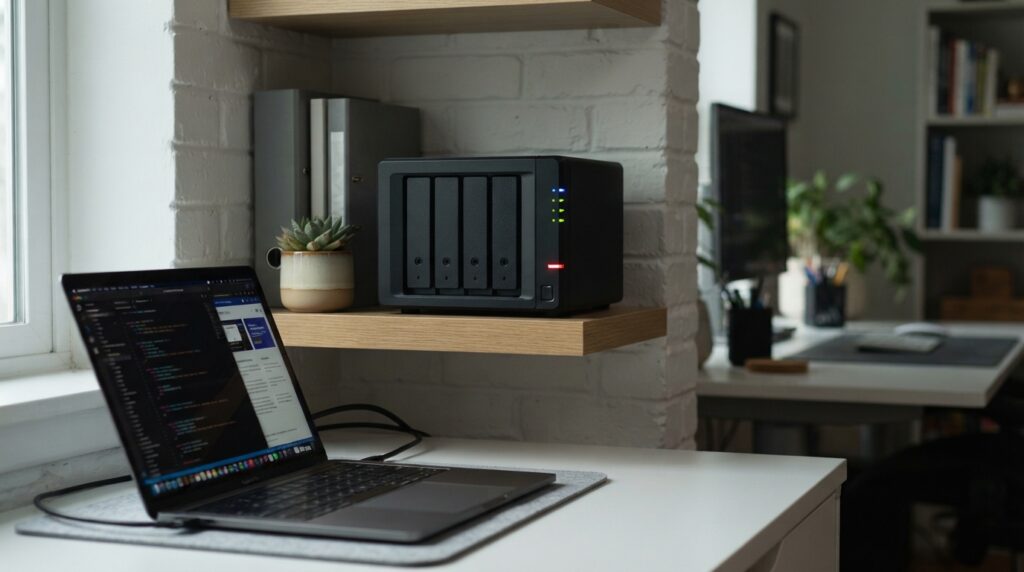
A 3-2-1 backup strategy means keeping 3 copies of your data, on 2 different types of storage, with 1 copy outside the office. For a 20 to 50 person company in Vietnam, the practical setup is the original data on computers and servers, a NAS in the office with snapshots, and a cloud copy locked against deletion. Without that locked copy, ransomware can wipe the backup too.

Why doesn’t an ordinary backup stop ransomware?
Many offices back up to an external drive or a shared folder that uses the same admin account as the server. An attacker who reaches the server can see the backup and delete it.
This happens in practice. Sophos’s State of Ransomware 2024 report found that 94% of organisations hit by ransomware said attackers tried to compromise their backups during the attack, and 57% of those attempts succeeded (Sophos).
Which three copies?
Copy one is the original data on staff computers and the office server, the version people work on every day.
Copy two sits on a NAS in the office, backed up daily from computers and servers. If the server fails, staff can still open files from the NAS while it is repaired.
Copy three lives in the cloud, backed up nightly from the NAS. This is the copy that saves the company after a fire, a stolen NAS, or ransomware that encrypts the whole office network.
What do two storage types mean in practice?
The NAS uses hard drives in your office, while the cloud stores data on the provider’s infrastructure. If a batch of drives fails at the same time, the cloud copy is unaffected. For the same reason, do not use two NAS units of the same brand and model bought on the same day as your two copies: a firmware bug or a bad batch can take out both.
A concrete setup for a 30-person office with 1 TB of data
- Original data: an existing office server, or a desktop used as a file server.
- NAS: for example a Synology DS923+ with four 4 TB drives in RAID 5, roughly 25 to 30 million VND up front (indicative price, get a current quote).
- Cloud: Backblaze B2 at a list price of 6.95 USD per TB per month (Backblaze), backed up automatically from the NAS with Hyper Backup.
For 1 TB, cloud storage costs about 7 USD a month. An upfront spend of about 30 million VND gives the company a real 3-2-1 setup instead of one external drive in a desk drawer.
How do snapshots and object lock protect the backup?
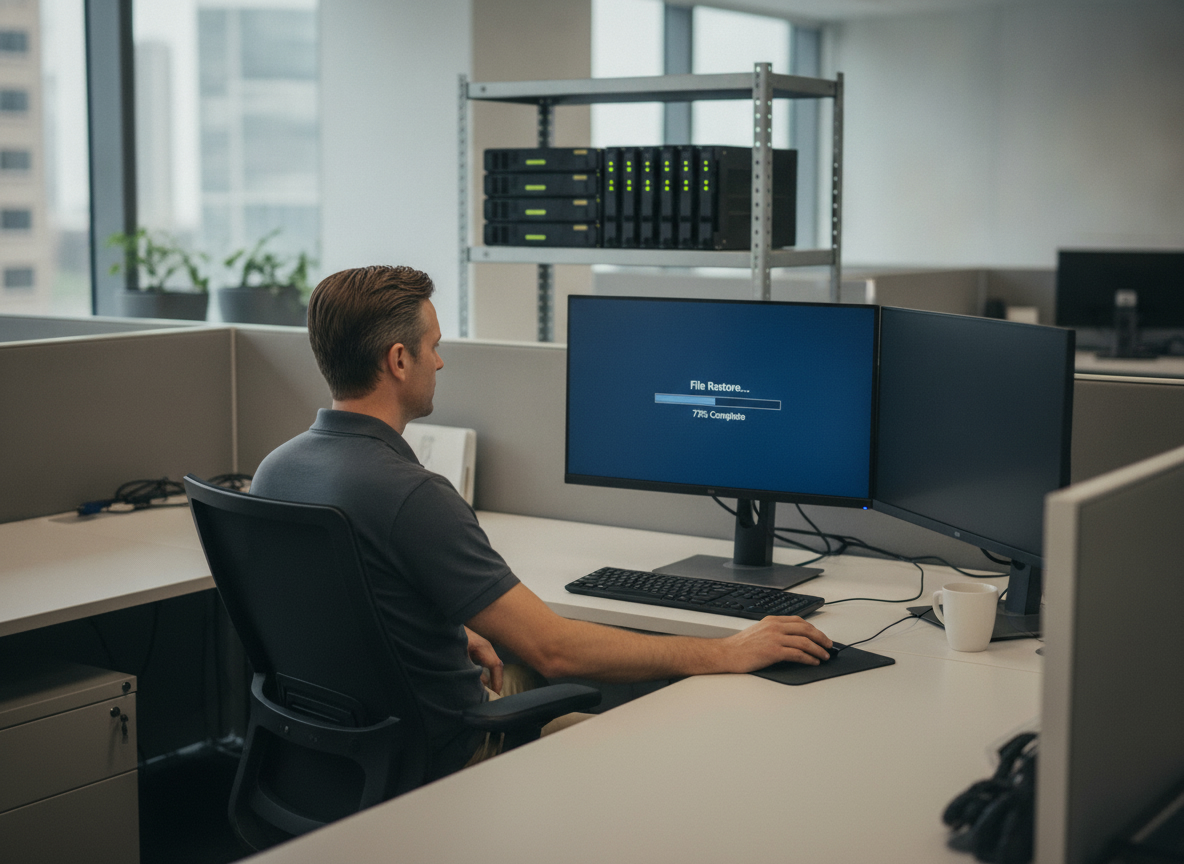
On the NAS, turn on daily snapshots and keep them for 30 days. If ransomware encrypts a shared folder, you roll back to a snapshot taken before the encryption.
In the cloud, enable Backblaze B2 Object Lock. It keeps backup files from being deleted or changed for the period you set, even if an attacker has the cloud account password. This is the layer that blocks the backup-targeting attacks Sophos describes.
How often should you test a restore?
A backup that has never been restored may not work. Once everything is set up, pick a random folder each month, restore it from both the NAS and the cloud, and note how long it takes. If a restore fails, you find out before a real incident.
Companies with servers in a data center follow the same rule; only the location of copy two changes. See our article on when colocation is cheaper than an in-house server room (Vietnamese).
FAQ
Can Google Drive or OneDrive replace backup?
Not really. Sync copies bad changes too: a file encrypted on a laptop is synced up as well. You need a separate backup that keeps older versions.
Is RAID on the NAS a backup?
No. RAID keeps the NAS running when one drive fails, but an accidental deletion or encryption hits the whole array.
How long does restoring 1 TB from the cloud take?
It depends on the connection. On a 100 Mbps line running at full speed, 1 TB takes close to a day, so restore the most important data first.
GPIT designs and deploys backup systems for small and mid-sized companies. Learn more at gpit.vn.
GPIT, IT Solution Investment Company Limited, 32 Truong Phuoc Phan, Binh Tri Dong Ward, Ho Chi Minh City, Vietnam. Hotline +84 945 886 818. Email info@gpit.vn. Website https://gpit.vn.