



A compromised email account response should start within 30 minutes of an employee typing a password into a fake login page. Revoke active sessions, reset the password from a clean device, delete unknown forwarding rules, and warn the people who may receive follow-up scams. Done in that order, the attacker usually loses access before the mailbox is used against your clients.

Why do the first 30 minutes matter so much?
Attackers tend to log in right after they capture a password, because they know the victim may notice and change it. They read the mailbox for invoices and contracts. Then they often add a rule that forwards new mail to an outside address, so they keep reading even after the password changes.
Verizon’s 2025 Data Breach Investigations Report found a human element in about 60% of breaches, and stolen credentials were used in nearly a third of them (Verizon DBIR 2025). One wrong click is common. A slow response is what turns it into an incident.
What should you ask the employee first?
Ask which account they entered and on which page, then note the time. If the browser tab is still open, take a screenshot of the fake address. Do not clear the browsing history. The time stamp tells you where to start in the sign-in logs.
Keep the conversation calm. An employee who expects to be punished tends to leave out details, and those details decide whether you contain the problem in time.
How do you reset the password so the attacker is signed out?
Change the password from a different computer, not the one the employee just used. Then revoke every active session. A new password alone may not be enough, because a session already open on the attacker’s phone or browser can stay valid.
- Microsoft 365: an admin opens the user in the admin center and signs them out of all sessions. Microsoft’s own guidance recommends disabling the account until the investigation is finished (Microsoft Learn).
- Google Workspace: an admin opens the user profile, resets the password and signs the user out of their devices.
- Domain email on shared hosting: change the password in the hosting control panel and ask the provider how to drop open IMAP connections.
How can you tell what the attacker already did?
Open Sent Items and filter for messages sent after the moment the password was entered. Attackers often use a freshly taken mailbox to send more phishing to its contacts, because recipients trust a familiar sender.
Next, check inbox rules and forwarding settings. Microsoft lists rules that forward mail to unknown addresses, or move messages into Notes, Junk Email or RSS folders, as common signs of a compromised account. Delete any rule the employee did not create.
Finally, review the sign-in log. Write down unfamiliar IP addresses and countries, and look for any new multi-factor authentication device. Some attackers register their own phone so they can come back later.
Who should you warn, and when do you need to report it?
Send a short internal notice: a fake email is circulating, here is its subject line, and nobody should enter a password anywhere except the official login page. If the mailbox already sent scam emails outside the company, call the clients on that list, starting with anyone who has a payment in progress.
If the mailbox holds personal data of customers or staff, review your notification duties under Vietnam’s Personal Data Protection Law No. 91/2025/QH15, in force since 1 January 2026 (LuatVietnam). Some violations carry fines of up to 5% of the previous year’s revenue, so a written record of each response step is worth keeping from the start.
How do you stop it from happening again?
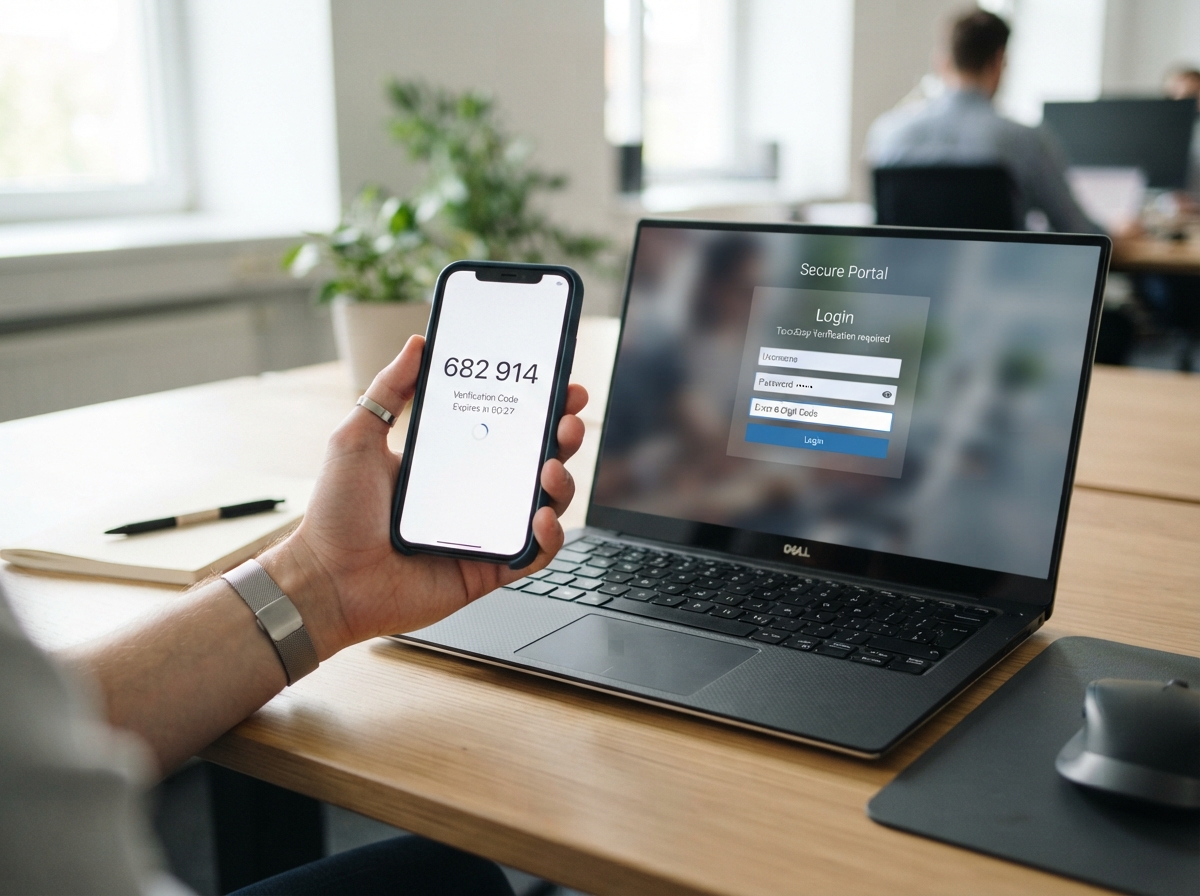
Turn on multi-factor authentication for every company account, starting with email and banking. Microsoft reports that accounts using MFA are more than 99.9% less likely to be compromised (Microsoft Security Blog). That figure is not absolute. Newer phishing kits can steal one-time codes as well, so staff training still matters.
After the incident, run a short session built around the fake email you just received. Do not turn it into a review of the person who clicked. People report incidents early only when they trust they will not be blamed.
[cần xác nhận: real example from the GPIT technical team about a compromised mailbox and how long it took to contain]FAQ
The password is already changed. Is anything else needed?
Yes. Revoke open sessions and remove unknown forwarding rules. Otherwise the attacker can keep reading mail through an old session or a forwarded copy.
Is the employee’s computer infected?
A fake login page usually only captures the password. If the employee downloaded or opened an attachment, disconnect that computer from the network and scan it before it is used again.
We have no in-house IT. Who handles these steps?
Whoever holds the email admin account, often the owner or chief accountant, can reset the password, end sessions and check inbox rules. Reading sign-in logs and judging how much data leaked is better done with a specialist.
Is SMS-based two-factor authentication good enough?
SMS is far better than nothing. An authenticator app or a hardware security key resists phishing better, because it cannot be intercepted through the SIM card.
For help with a compromised mailbox or a security review of your office systems, see GPIT’s IT services at gpit.vn. [cần xác nhận: GPIT incident response time commitment]
GPIT, IT Solution Investment Company Limited, 32 Truong Phuoc Phan, Binh Tri Dong Ward, Ho Chi Minh City, Vietnam. Hotline +84 945 886 818. Email info@gpit.vn. Website https://gpit.vn.