


When buying Microsoft 365, many businesses hesitate between Business Basic and Business Standard. The two plans differ mainly in how Office is used and in what staff actually need for their work.
<<THERE IS A SHORT QUIZ BELOW TO HELP YOU IDENTIFY YOUR NEEDS VERY QUICKLY>>
1. Office 365 Business Basic – mostly working online
Business Basic suits you if:
- Staff mainly use Word, Excel, PowerPoint in the browser
- You work online and rarely need to install software
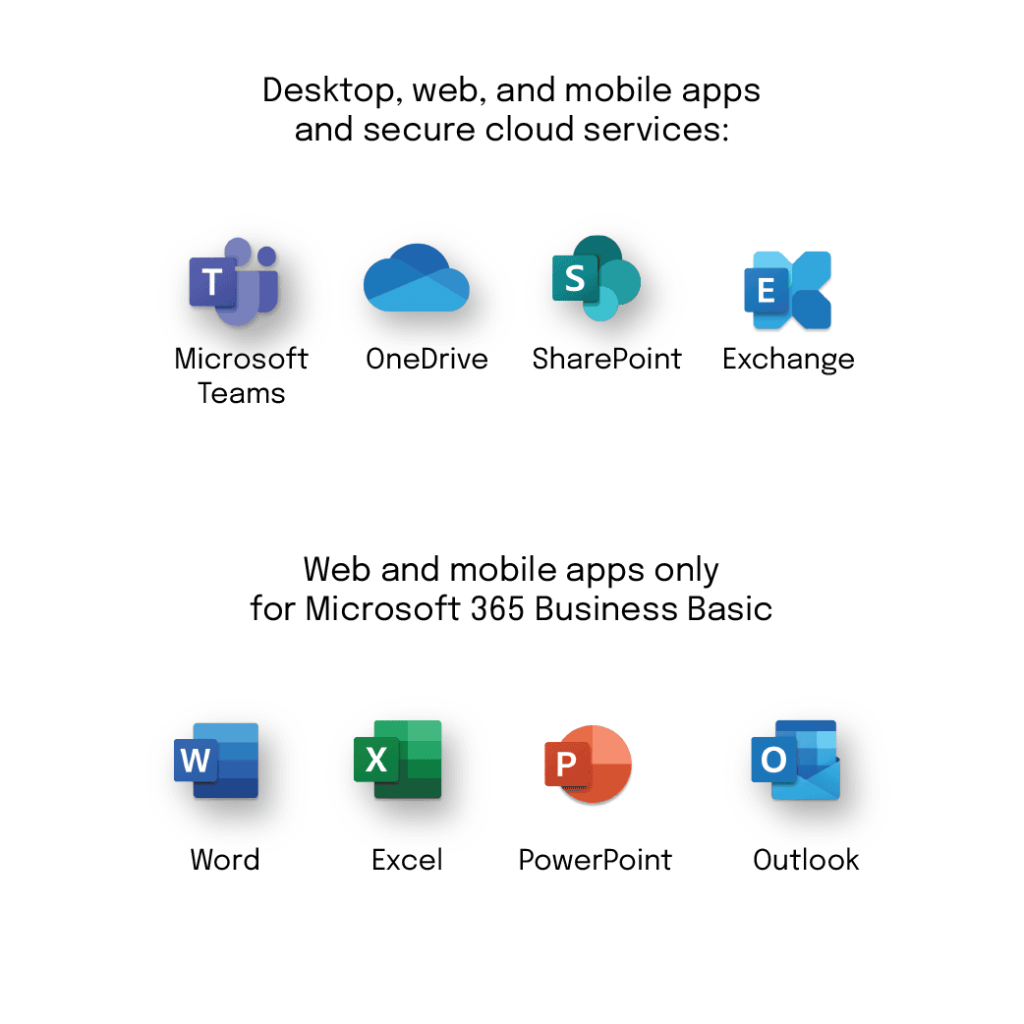
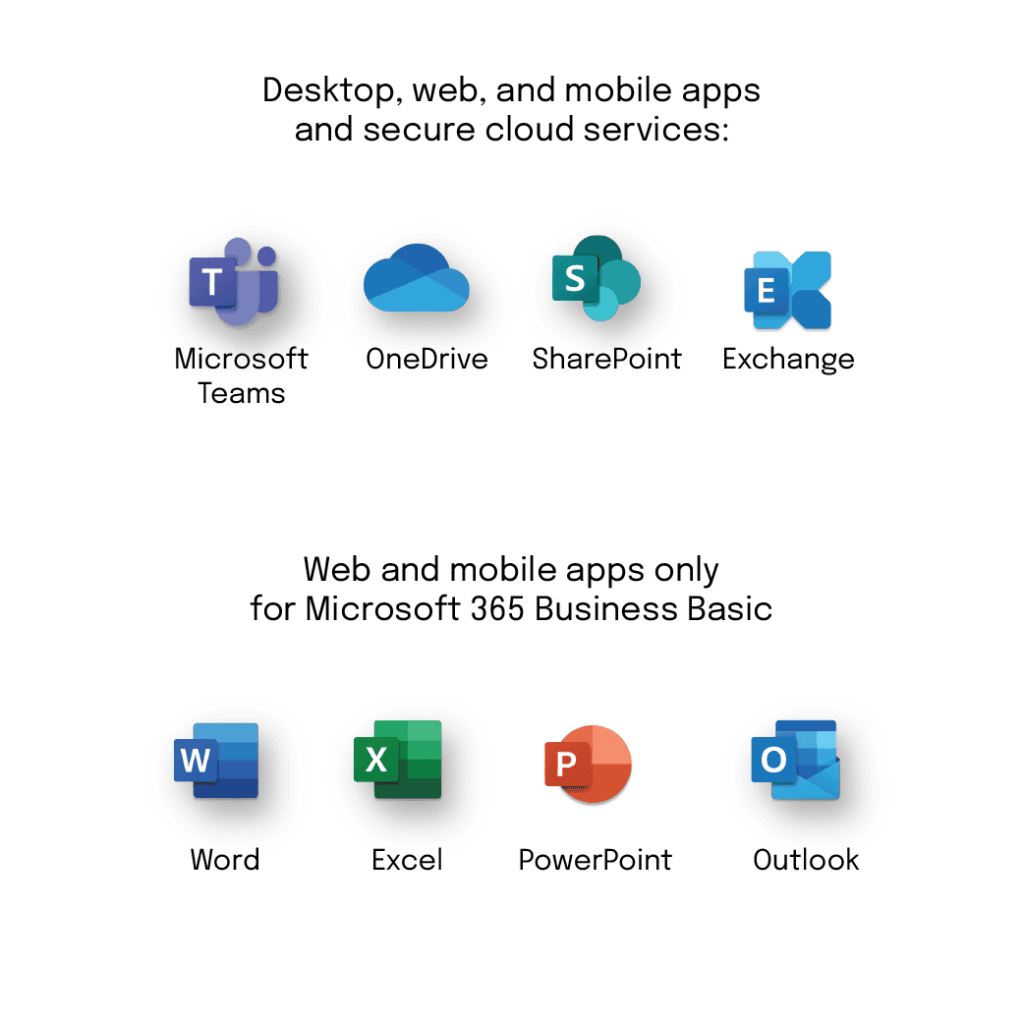
- You need business email (Exchange), OneDrive storage and Teams meetings
- You want to save cost
👉 This plan has no Office apps installed on the computer.
That is, you cannot install the full desktop Word or Excel.
Suits:
- Sales staff
- Small businesses and startups
- Remote teams handling basic documents
2. Office 365 Business Standard – full, stable working
Business Standard includes all of Basic’s features, plus:
- Install desktop Word, Excel, PowerPoint, Outlook
- Work offline
- Fuller features (macros, large files, add-ins, etc.)
Suits you if:
- Your business uses Excel intensively
- You have accounting, admin or management staff handling complex files
- You regularly produce reports and large spreadsheets
- You need stability and full features
In short – which plan?
- If you only need email + online working → Business Basic
- If you need Office installed on the computer and intensive working → Business Standard
Many businesses choose a mixed approach:
office staff on Standard, sales staff on Basic to optimise cost.
A SHORT QUIZ TO IDENTIFY YOUR NEEDS VERY QUICKLY!!
If you’re not sure where your business sits, just answer 3 questions:
- Do you need Word/Excel installed on the computer?
- Do you use Excel intensively?
- Do you work offline often?
Answer “yes” to the above → choose Standard.
If not → Basic is enough.
TECHNICAL COMPARISON OF THE BASIC & STANDARD PLANS
| Feature / capability | Business Basic | Business Standard |
|---|---|---|
| Exchange business email | ✔️ Yes | ✔️ Yes |
| Mailbox size | 50 GB | 50 GB |
| Custom email domain | ✔️ | ✔️ |
| OneDrive | ✔️ 1 TB | ✔️ 1 TB |
| Teams – meetings & chat | ✔️ | ✔️ |
| SharePoint | ✔️ | ✔️ |
| Office Web Apps (Word/Excel/PP online) | ✔️ | ✔️ |
| Office apps installed on the computer | ❌ No | ✔️ Yes (Word, Excel, PowerPoint, Outlook, OneNote) |
| Working offline with Office | ❌ No | ✔️ Yes |
| Outlook desktop mail sync | ❌ No (web only) | ✔️ Yes |
| Regular Office updates | ❌ | ✔️ Yes (feature + security updates) |
| Basic Teams recording / webinar | ✔️ | ✔️ |
| Advanced Teams meetings (external guests) | ✔️ | ✔️ |
| Standard M365 security (multi-factor auth) | ✔️ | ✔️ |
| OneDrive offline sync | ✔️ | ✔️ |
| Planner / To Do / Lists integration | ✔️ | ✔️ |
| Advanced support / SLA | ✔️ | ✔️ |
| Basic Power Automate | ✔️ | ✔️ |
| Desktop add-in extensibility | ❌ | ✔️ Yes |
| Macros / VBA in desktop Excel | ❌ | ✔️ Yes |
| Publisher / Access (Windows only) | ❌ | ✔️ Yes (Windows) |
| Price (relative guide) | 📉 Lower | 📈 Higher |
Important notes (technical)
🔹 Office Web Apps only run in a browser and are not enough for large files or advanced features such as complex PivotTables, macros or add-ins.
🔹 Business Standard allows Office installed on Windows/Mac, offline sync and the fullest feature set.
🔹 Both plans share the same email, Teams and OneDrive services, so their cloud collaboration features are basically the same.
When do you need which feature?
Choose Business Basic if:
- You mainly work online / in a web browser
- You use Teams for meetings, email + non-complex documents
- You don’t need Outlook/Word/Excel installed on the computer
Choose Business Standard if:
- You need professional Outlook mail + offline sync
- You do intensive Excel/Word work, use macros and desktop features
- You need add-ins and integration with internal software